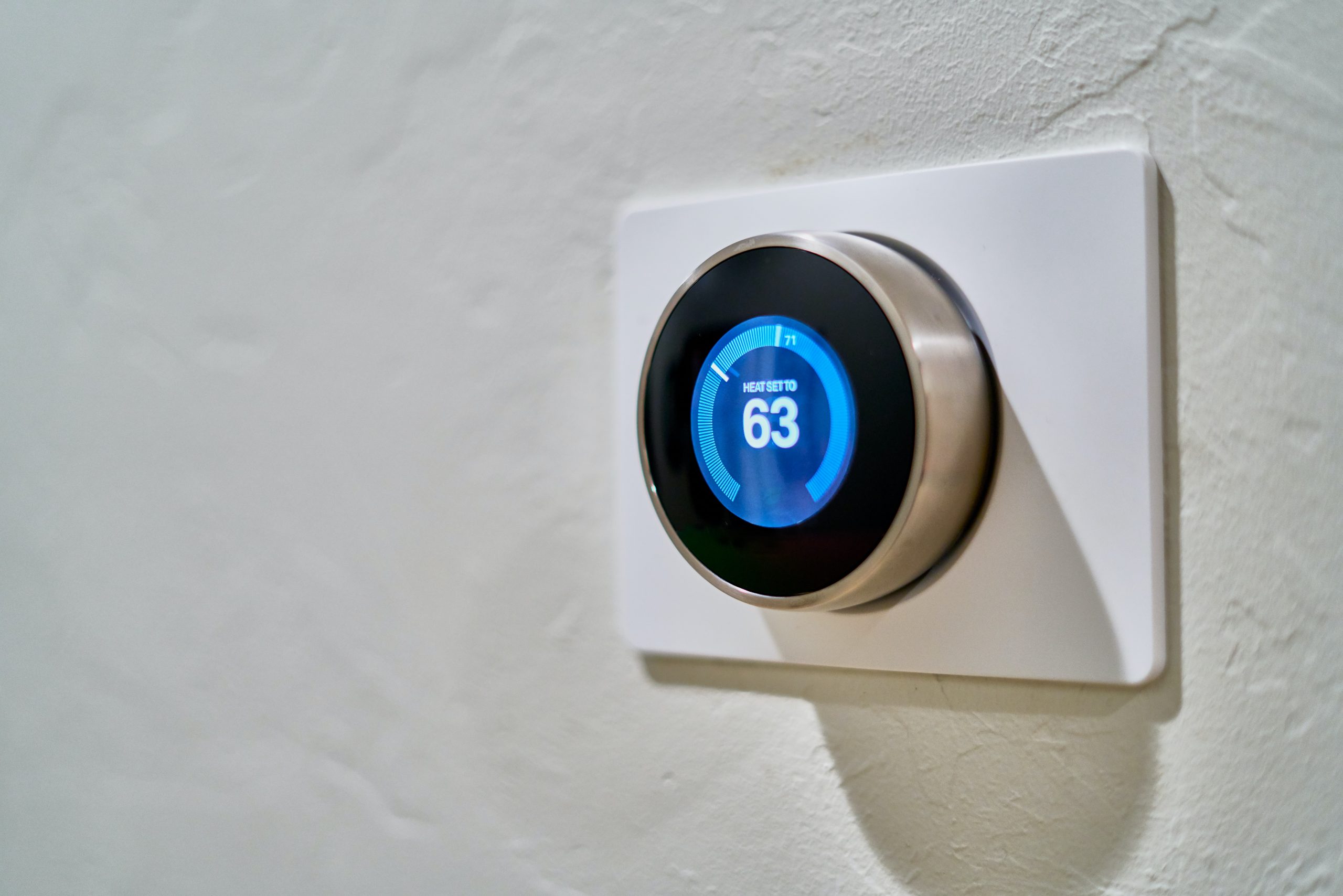
 Your thermostat can now tell you when your air conditioner is in trouble. In June 2026, Google rolled out a new Nest alert called “Compressor heads-up” that warns you when it detects a problem with your AC compressor or heat pump, and Ecobee offers its own set of system alerts. Here is what these notifications mean, what they can and cannot do, and what to do when one shows up.
What Nest’s new compressor alert does
The “Compressor heads-up” alert is part of Nest’s System Health Monitor, and it watches for signs that your cooling system is not keeping up. If the temperature starts climbing while the system runs, your Nest can flag a likely compressor problem and notify you on the thermostat, in the Google Home app, and through a phone notification, with a message like “A/C not cooling. There’s an issue with your compressor.”
A few details worth knowing:
- It works in winter too. If you have a heat pump, the same monitoring can flag a failure when the system is set to heat.
- It is on by default. You do not have to turn anything on, and there is nothing for your installer to enable.
- It covers most Nest models, except the first and second generation Nest Learning Thermostat.
- Google also added one-tap support, so you can tap a phone number or email inside the alert to reach your installer right away.
What Ecobee’s alerts cover
Ecobee thermostats have offered system alerts and reminders for a while. They notify you when your equipment is not performing the way it should, for example when your AC is taking longer than usual to cool, and they send maintenance reminders for service, furnace filters, and UV lamps. A low-temperature alert warns you if your home gets cold enough to risk frozen pipes.
Ecobee also gives you HomeIQ reports and a System Monitor that track how long your equipment runs, which can reveal a system that is working harder than it should. Service reminders can be emailed to you as well.
What these alerts mean for you as a homeowner
The big picture is that your thermostat is becoming an early-warning system. Instead of finding out your AC failed when the house is already 85 degrees, you can get a heads-up the moment something looks wrong, often before total breakdown.
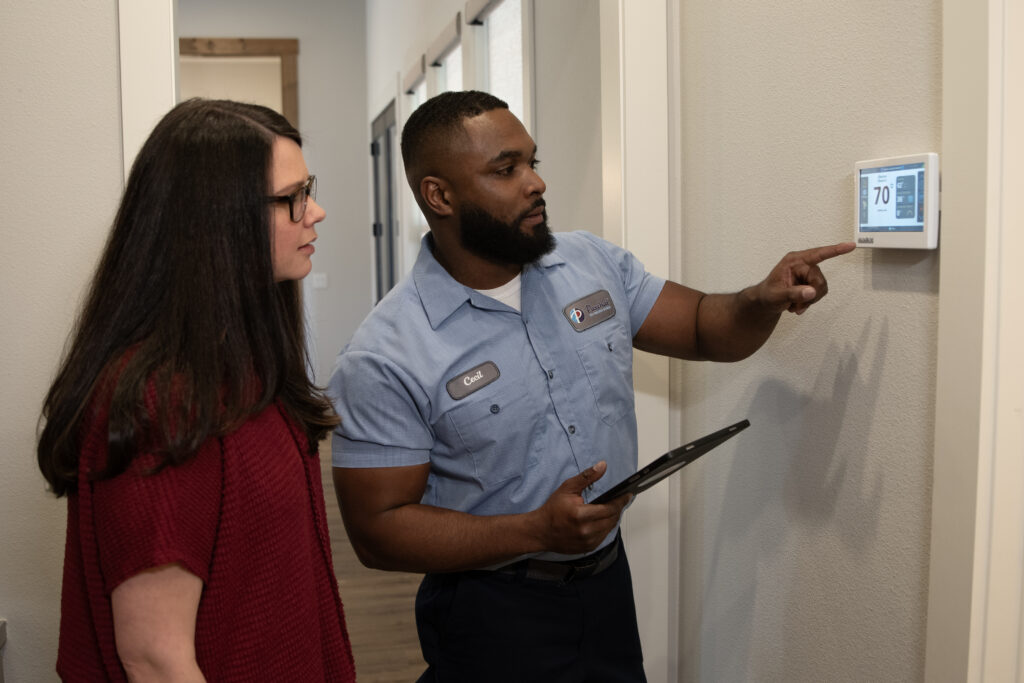
Here is the important part: an alert tells you that something may be wrong, not exactly what or how to fix it. A “compressor heads-up” can point to a compressor that has tripped a safety feature, a failed component, the system running in the wrong mode, or, on a heat pump, a stuck reversing valve. Those are very different problems, and sorting out which one you have takes a trained Paschal Pro with the right tools.
What to do when you get an alert
A smart thermostat alert is worth acting on. A few quick checks first:
- Make sure the thermostat is set to the right mode and a temperature below the current room temperature.
- Check that your air filter is clean. A clogged filter can choke airflow and trigger problems.
- Look at your breaker panel to confirm the system has power.
If the alert clears, great. If it comes back or the system still is not cooling, do not keep running it, since that can turn a small issue into a bigger one. Reach out for AC repair and a Paschal Pro will diagnose exactly what the alert is pointing to. You can read more about the most common causes in our guide to an AC that runs but is not cooling.
Do smart thermostat alerts replace maintenance?
No. Alerts are a great safety net, but they fire after something is already going wrong. Regular AC maintenance is what keeps problems from starting in the first place, catching a weak capacitor, low refrigerant, or a dirty coil before they become an alert and a hot house. Think of your thermostat as the smoke detector and a tune-up as the inspection that keeps the fire from starting. Members on our Planned Protection Membership get those tune-ups built in.
Got an alert and not sure what’s next?
Tell us what’s going on and a Paschal Pro will help you figure out the right next step. Paschal Air, Plumbing & Electric has delivered world-class service across Arkansas, Oklahoma, Missouri, and Texas for over 55 years. Licensed Paschal Pros, up-front pricing, and clear next steps before any work begins.
Don’t have a smart thermostat yet? Our Paschal Pros can upgrade your thermostat anytime, so you start getting the alerts you need to keep your system running smoothly. Many customers like to pair a system tune-up with a thermostat upgrade for peace of mind on all fronts.
What a Nest thermostat alert can mean for your heating
A Nest thermostat does not only watch your AC. In heating season, the same System Health Monitor on your Nest thermostat can flag issues with a furnace or heat pump, so a winter alert deserves the same attention as a summer one. If your Nest thermostat reports a problem, it may trace back to the heating equipment itself or to the wires connecting the thermostat to your furnace or air handler.
Wiring matters more than most homeowners realize. A loose or miswired connection between the Nest thermostat and your furnace can cause false readings or stop the system from running in the right mode. That is one of the first issues a Paschal Pro checks, confirming the Nest thermostat, the wires, and the heating equipment are all communicating correctly before chasing a bigger repair.
How to troubleshoot a Nest thermostat AC alert step by step
When your Nest thermostat shows an alert, a few checks often clear a false alarm before you call a pro. Follow these steps in order.
- Check the mode and set point. On the Nest thermostat, confirm the system is set to cool and the temperature is set below the current room reading. The wrong mode is one of the most common reasons the feature flags an issue.
- Check the air filter. A clogged filter chokes airflow and can make the air conditioner look like it is failing. Replace it and see if the alert on the Nest thermostat clears.
- Check power and the breaker. Confirm the outdoor unit has power and no breaker has tripped. A Nest thermostat can also warn about a low battery, so check the thermostat has power too.
- Turn the system off and on. Give it time to run after the checks. If it was a one-time hiccup, the alert should not return.
If the alert comes back after you follow these steps, the Nest thermostat has likely detected a real problem. Common issues a technician will test for include a failed capacitor, a compressor that fails a safety feature, low refrigerant, or wiring faults in the wires between the thermostat and the furnace or air handler. A Paschal Pro, set up as your Nest Pro installer, can run those tests and confirm what the Nest thermostat alert means, whether the issue is in cooling or in heating.
Frequently Asked Questions
What does the Nest “Compressor heads-up” alert mean?
It means your Nest thermostat detected that your AC compressor or heat pump may not be working correctly. It can point to a compressor safety lockout, a failed component, the wrong system mode, or a stuck reversing valve on a heat pump. A technician is needed to confirm the exact cause.
Do I need to turn on the Nest compressor alert?
No. The alert is part of Nest’s System Health Monitor and is on by default. You do not need to enable anything, and neither does your installer. It works on most Nest models except the first and second generation Nest Learning Thermostat.
Does Ecobee warn you about HVAC problems too?
Yes. Ecobee thermostats send alerts when equipment is not performing as it should, such as an AC taking longer than usual to cool, plus maintenance reminders for service, filters, and UV lamps, and a low-temperature alert. HomeIQ reports track runtime so you can spot a system working too hard.
If I get a compressor alert, is my AC broken?
Not necessarily. Sometimes it is a simple cause like the wrong mode, a clogged filter, or a tripped breaker. But because it can also signal a real compressor or component failure, you should check the basics and, if it persists, have a Paschal Pro diagnose it before running the system further.
Can I just ignore the alert if the house still feels cool?
It is not a good idea. The alert exists to catch a problem early. Running a system with a struggling compressor can turn a small repair into a major one. Acting on the alert early usually means a smaller, faster fix.
Does a smart thermostat alert replace an AC tune-up?
No. Alerts fire after something is already going wrong, while a maintenance visit prevents problems by catching worn parts, low refrigerant, and dirty coils early. The two work best together: the thermostat as a safety net and a tune-up as prevention.